End-to-End Encryption · On-Device Vault
Your private digital life, locked tight.
CryptoBox is an all-in-one privacy vault for your photos, files, passwords, and personal notes. Everything is encrypted on your device with a master password only you know.
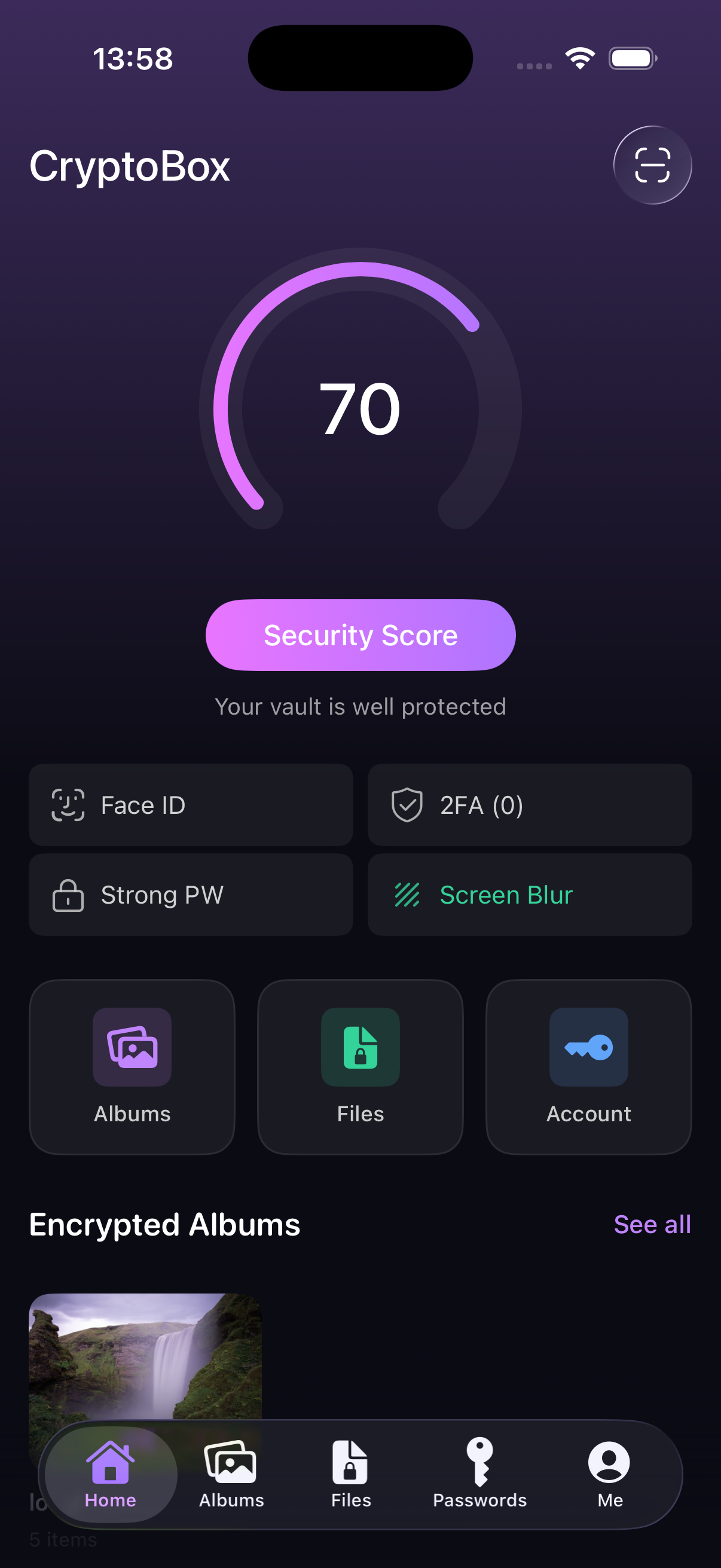
Master Password
AES-256 protected
Security Score 70
Vault is well protected
AES-256
Military-grade encryption
100%
On-device storage
0
Tracking & ads
5-in-1
Vault for your private life
Everything you want to keep private.
CryptoBox bundles the protection of a password manager, a hidden photo vault, a secure file safe, and an encrypted notebook into one beautiful app.
Encrypted Albums
Hide private photos and videos behind your master password. Optional per-album passwords and stealth mode keep them invisible from prying eyes.
File Vault
Store sensitive documents, IDs, contracts, and any file type in an end-to-end encrypted local vault. Import in seconds, access anytime.
Password Manager
Save logins, cards, secure notes, and identity records. Built-in password health checks help you spot weak or reused credentials.
2FA Authenticator
Generate one-time codes (TOTP) right inside CryptoBox. Scan a QR or paste an otpauth:// URI to add new accounts in a tap.
Face ID Unlock
Unlock your vault with your face or fingerprint. Auto-Lock and Lock-on-Leave keep your data sealed the moment you switch away.
Encrypted Memos
Capture private thoughts, ideas, or sensitive info in encrypted memos with optional reminders. Only you can ever read them.
A vault designed around your peace of mind.
Beautiful, fast, and built with privacy as the default. See it in action below.
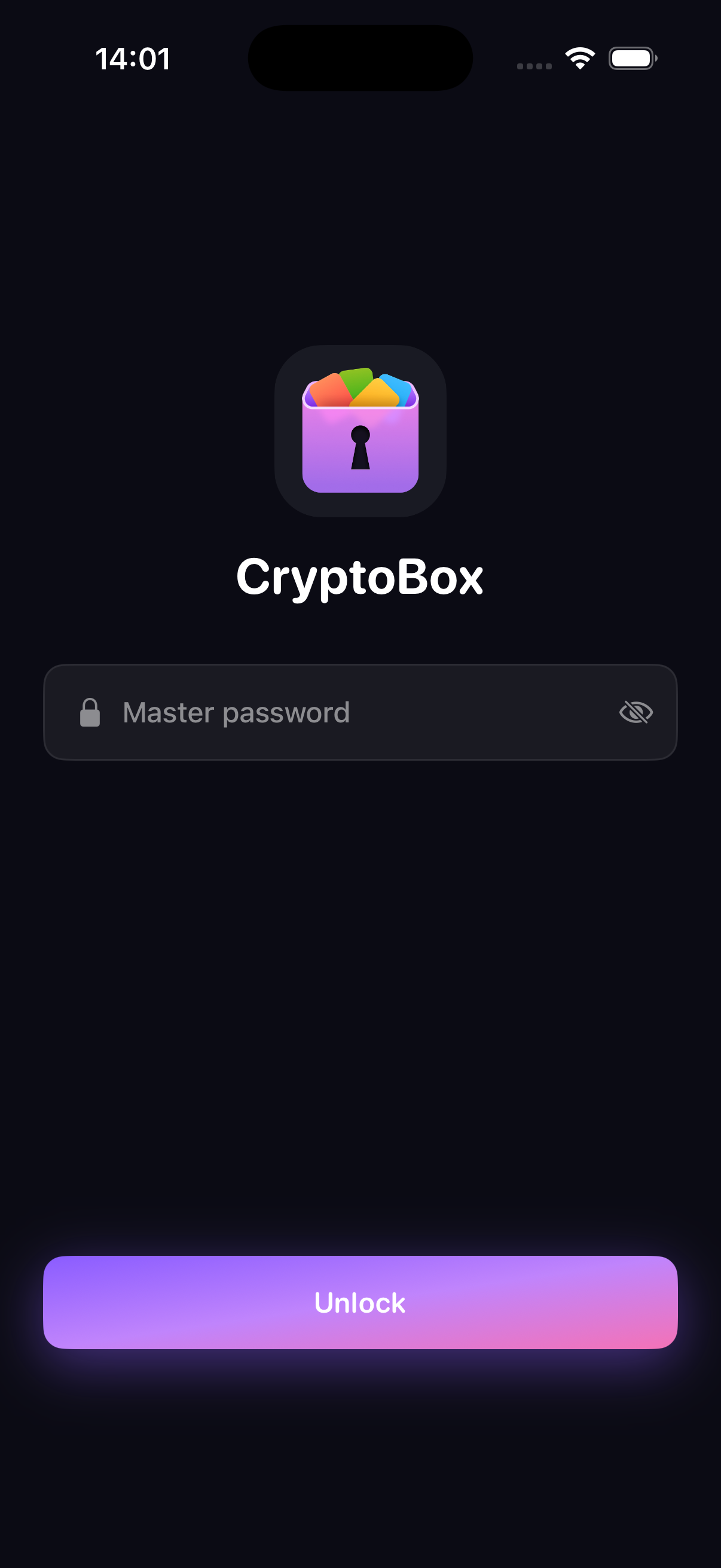
Unlock with one master password
A single master password is the only way into CryptoBox. We never see it, never store it, and never sync it. Forget the password and the vault stays sealed forever.
- Argon2 / PBKDF2 key derivation
- Optional Face ID / Touch ID unlock
- Auto-lock after timeout or when leaving the app
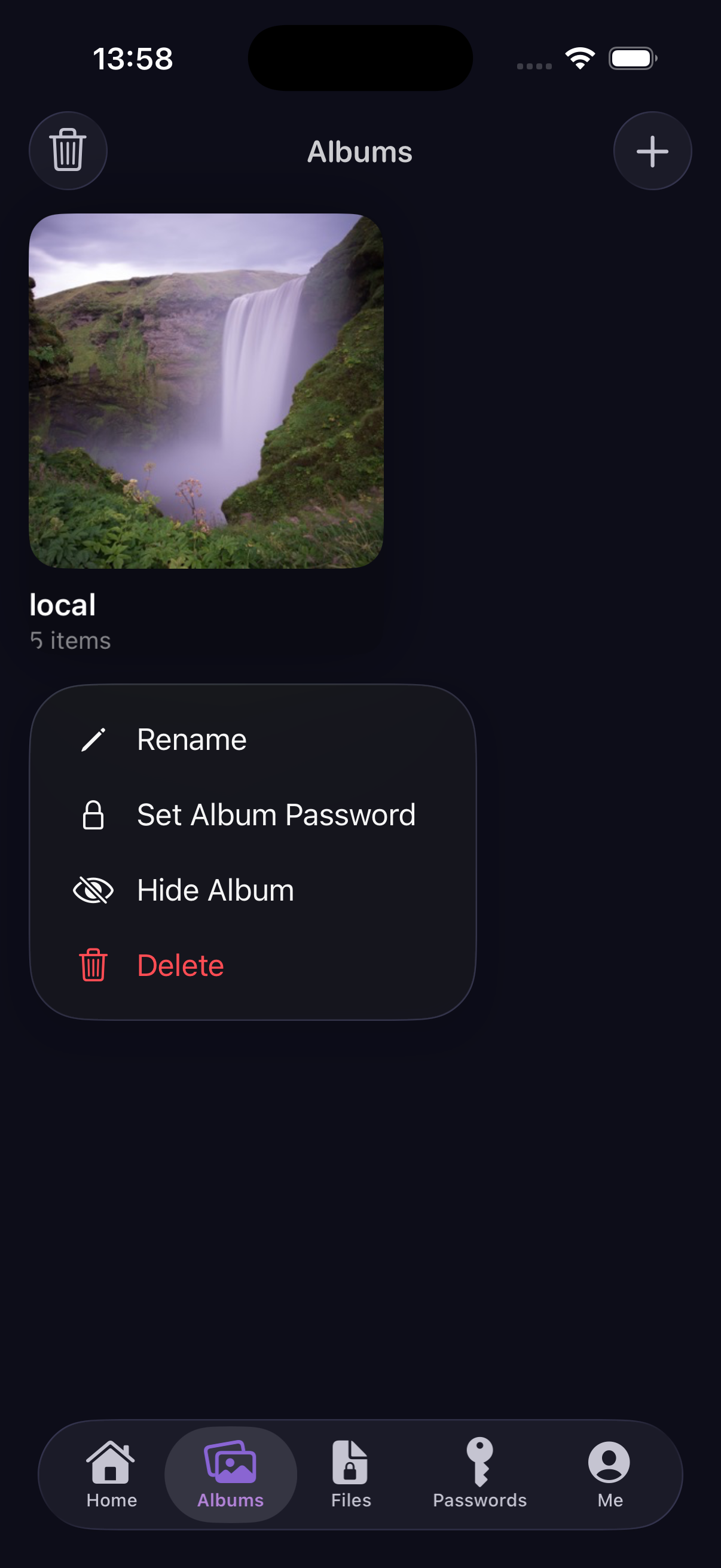
Hide an entire album in plain sight
Move sensitive photos and videos out of the camera roll into encrypted albums. Set a unique password, hide the album from the list, or wipe it clean with a tap.
- Per-album passwords for extra layers
- Hide an album from the main list entirely
- Rename, organize, and delete with confidence
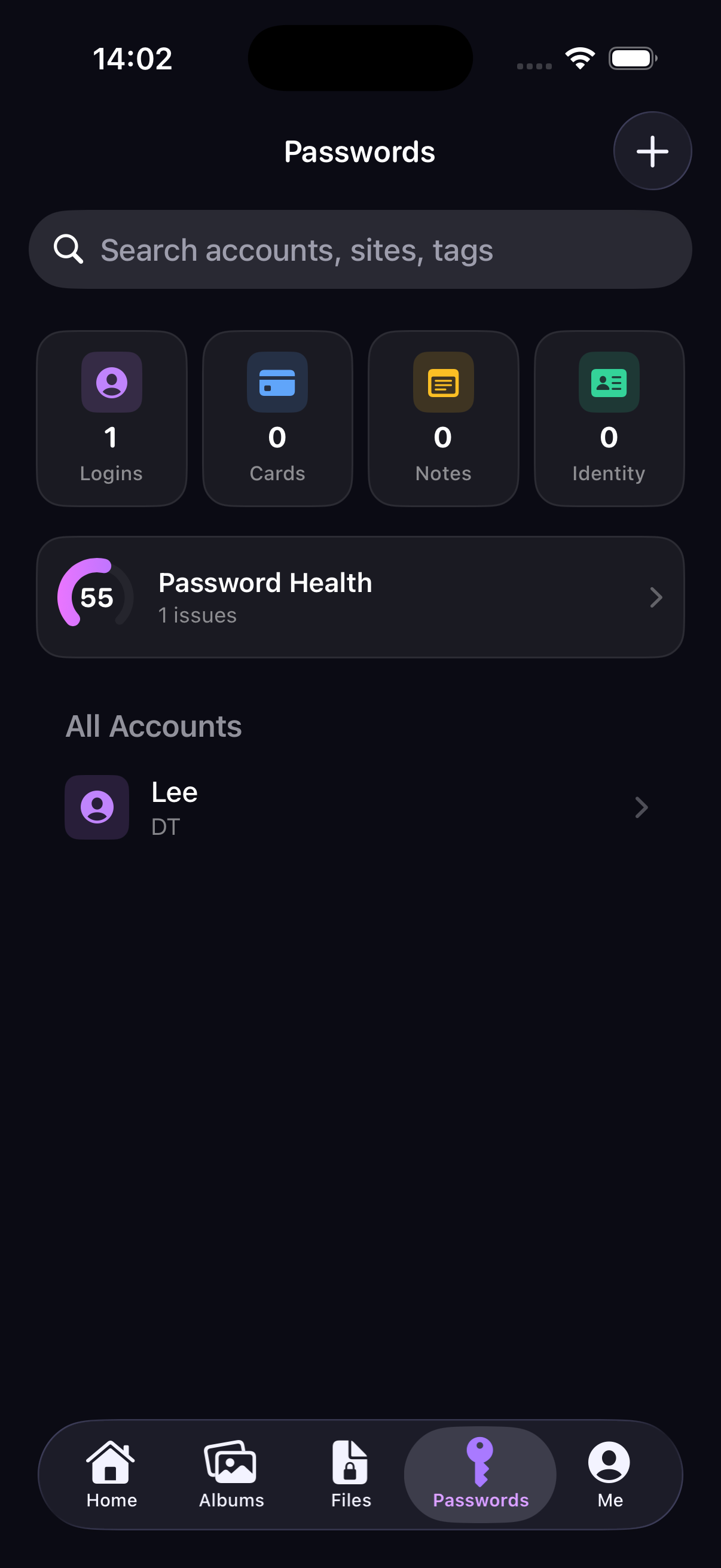
One vault for every credential
Logins, credit cards, secure notes, and identity records, all in one tidy place. Built-in 2FA support and tags help you stay organized as your vault grows.
- Logins, Cards, Notes & Identity in one app
- Smart password generator with strength indicator
- Password Health monitor for weak or reused entries
Privacy controls that respect you
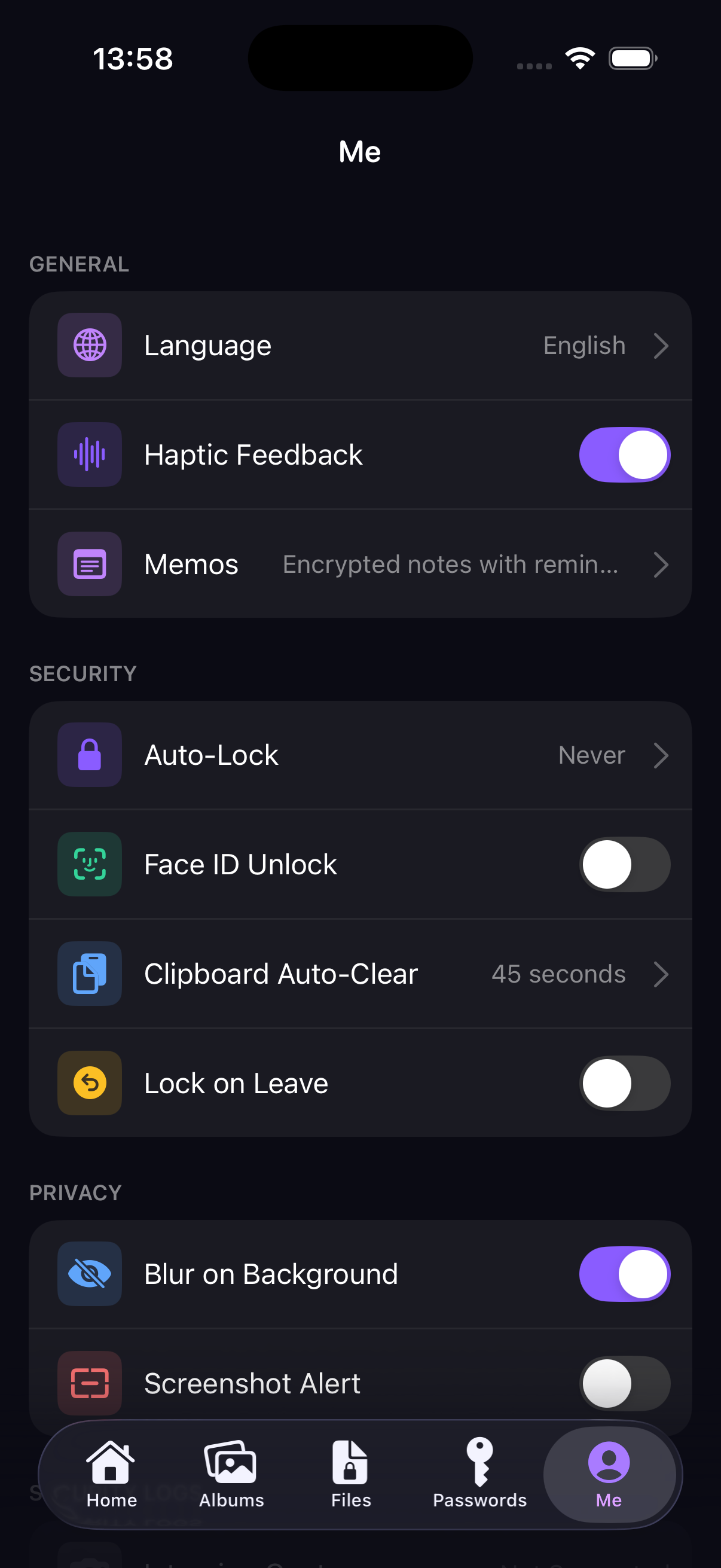
Granular settings make CryptoBox feel truly yours. Blur the app in the multitasking switcher, get alerts on screenshots, and clear the clipboard automatically after copying.
- Blur on background & screenshot alerts
- Clipboard auto-clear after 30s, 45s or 1m
- Haptic feedback & multilingual interface
Security you can verify, not just trust.
Every byte that leaves your fingertips is encrypted on-device before it ever touches storage.
AES-256-GCM Encryption
Industry-standard authenticated encryption protects every photo, file, and credential at rest.
Zero-Knowledge Design
Your master password never leaves your device. Without it, even we cannot access your data.
Local-First Storage
Your vault lives on your device by default. No mandatory cloud upload, no hidden telemetry.
Privacy Hardened
Auto-lock, blur on background, and screenshot alerts turn your phone into a fortress.
Frequently asked questions
Everything you might want to know before trusting CryptoBox with your private data.
Where is my data stored?
By default, all of your encrypted data is stored locally on your device. CryptoBox does not require an account, sign-in, or cloud upload to function. If you choose to enable iCloud backup in iOS Settings, the encrypted database is included in your private device backup, but it remains encrypted with your master password.
What happens if I forget my master password?
For your security, your master password is never sent to or stored on our servers. We have no way to recover or reset it. If you forget your master password, the vault contents cannot be decrypted. We strongly recommend keeping your master password somewhere safe and offline.
Does CryptoBox track me or show ads?
Never. CryptoBox does not include third-party analytics, advertising SDKs, or behavioral tracking. The app only collects the minimum diagnostic information needed to keep it working, and only when you explicitly enable it.
Can I import passwords from other managers?
Yes. CryptoBox supports importing standard CSV exports from popular password managers. You can also paste otpauth:// URIs directly to migrate your existing 2FA secrets in seconds.
Is CryptoBox free?
The core vault is free to use, including encrypted albums, files, password manager, and 2FA. Optional premium features such as advanced backup options and unlimited storage may be unlocked via a one-time purchase or subscription.
Which platforms are supported?
CryptoBox is currently available on iOS. We are actively working on bringing the same on-device encrypted experience to iPad and macOS.